Home
Company
Solutions
Training
Services
Support
News & Events
Contact
Home
Company
Solutions
Training
Services
Support
News & Events
Contact
What's New In SOLIDWORKS
Sep
30
SOLIDWORKS 2019: System Options & Document Properties
What's New in SOLIDWORKS 2019
Continue Reading
May
16
What's New in 2018
Topology Study
Continue Reading
Oct
30
Work Directly and Easily
with Mesh Data - What's New SW 2018
Continue Reading
Oct
30
What's New Simulation
WHAT'S NEW SW 2018
Continue Reading
Oct
30
Easier Electronic Design
WHAT'S NEW SW 2018
Continue Reading
Oct
30
Generate Inspection Reports Faster
WHAT'S NEW SW 2018
Continue Reading
Oct
30
Easier Assembly Builds
WHAT'S NEW SW 2018
Continue Reading
Oct
30
Design and Manufacturing
What's New SW 2018
Continue Reading
Oct
30
Powerful Model Based Definition
WHAT'S NEW SW 2018
Continue Reading
Oct
30
Free Hand Sketching
What's New SW 2018
Continue Reading
Oct
29
SOLIDWORKS 2017
Magnetic Mates
Continue Reading
Oct
29
SOLIDWORKS 2017
MORE POWER!
Continue Reading
Oct
28
SW 2016 - Electrical
Overview of 2016 Schematics
Continue Reading
Sep
29
SOLIDWORKS 2019: Treehouse Enhancements
What's New in SOLIDWORKS 2019
Continue Reading
Feb
13
Totally Integrated: MBD
Throughout SOLIDWORKS 2018
Continue Reading
Oct
30
Automate Tab & Slot
WHAT'S NEW SW 2018 Sheet Metal Design
Continue Reading
Oct
30
Tolerance Based Machining
SOLIDWORKS CAM 2018
Continue Reading
Oct
30
SOLIDWORKS PDM
WHAT'S NEW SW 2018
Continue Reading
Oct
30
Enhanced 3D CAD Interoperability
WHAT'S NEW SW 2018
Continue Reading
Oct
30
SOLIDWORKS CAM
New to SOLIDWORKS 2018
Continue Reading
Oct
30
SOLIDWORKS 2018 Overview
WHAT'S NEW SW 2018
Continue Reading
Oct
30
Topology Optimization
WHAT'S NEW SW 2018
Continue Reading
Oct
29
New In Simulation
Speeding Up The Process
Continue Reading
Oct
29
Modeling Power
Speed-up Your Design Process
Continue Reading
Oct
29
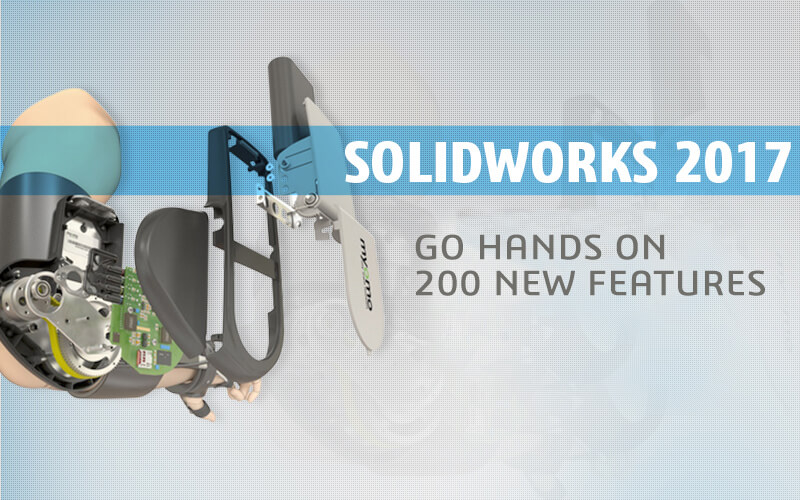
200 New Features in 2017
More than 200 new, user-driven features
Continue Reading
Oct
28
New in Simulation MBD
Overview of Model Based Definition
Continue Reading
<<
<
1
2
[
3
]
4
5
>
>>